
headcount365 + Ashby
Integrate Ashby with headcount365
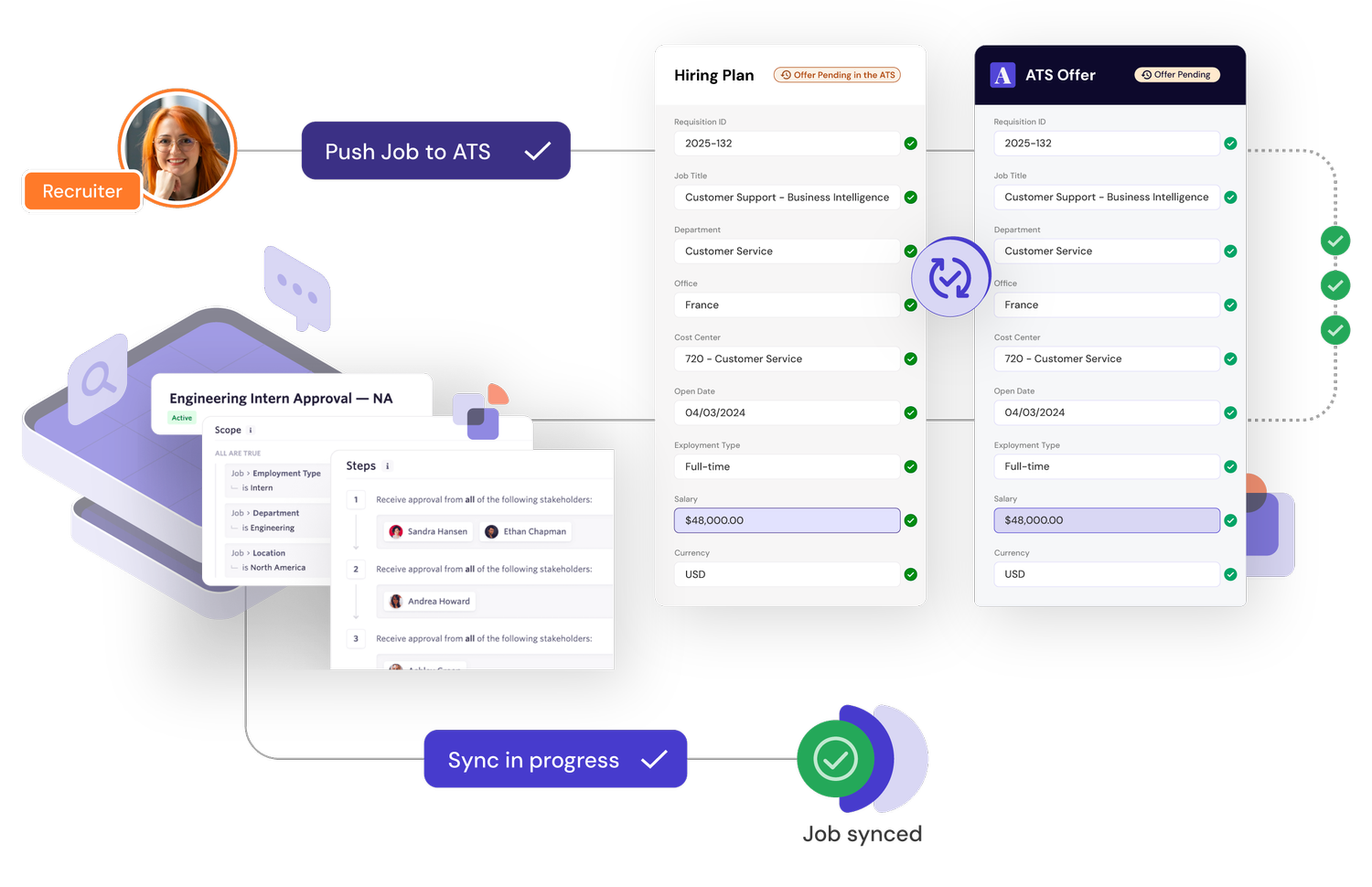
Every job in Ashby starts as an approved role on your hiring plan. headcount365 creates the jobs and openings, keeps them updated as the plan changes, and brings offers and statuses back, so recruiters can spend their time recruiting.

Built for recruiting teams
Less job admin, more time to hire
Ashby is where your team hires. headcount365 is where the plan lives. Together, every role moves from approval to offer without anyone re-keying it.
- No more manual job setup: approved roles go to Ashby with their fields already filled in.
- No ghost jobs: every job and opening in Ashby is tied to an approved role on the plan.
- No status meetings: hiring managers and Finance see where each role stands without asking a recruiter.
- No offer surprises: offers are checked against the plan and the HRIS before anyone is caught out.
Approved in headcount365. Hired in Ashby. In sync the whole way.
What the integration does
From approved role to accepted offer
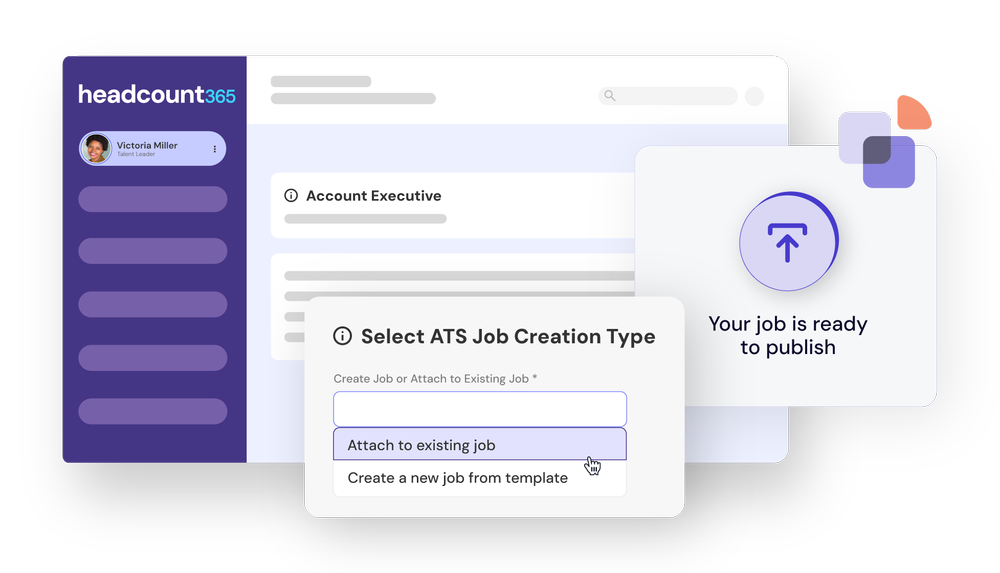
Push approved roles into Ashby
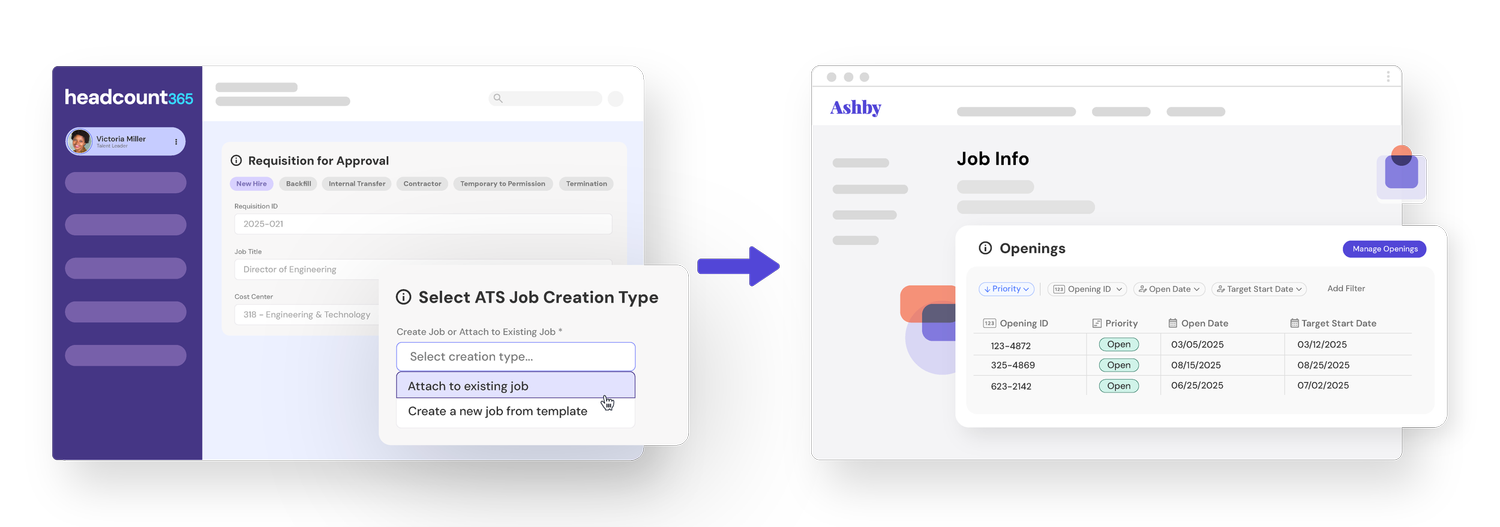
Create a new job and opening, with or without a template, add an opening to an existing job, or link to an opening that’s already there. Push one role at a time or in bulk.
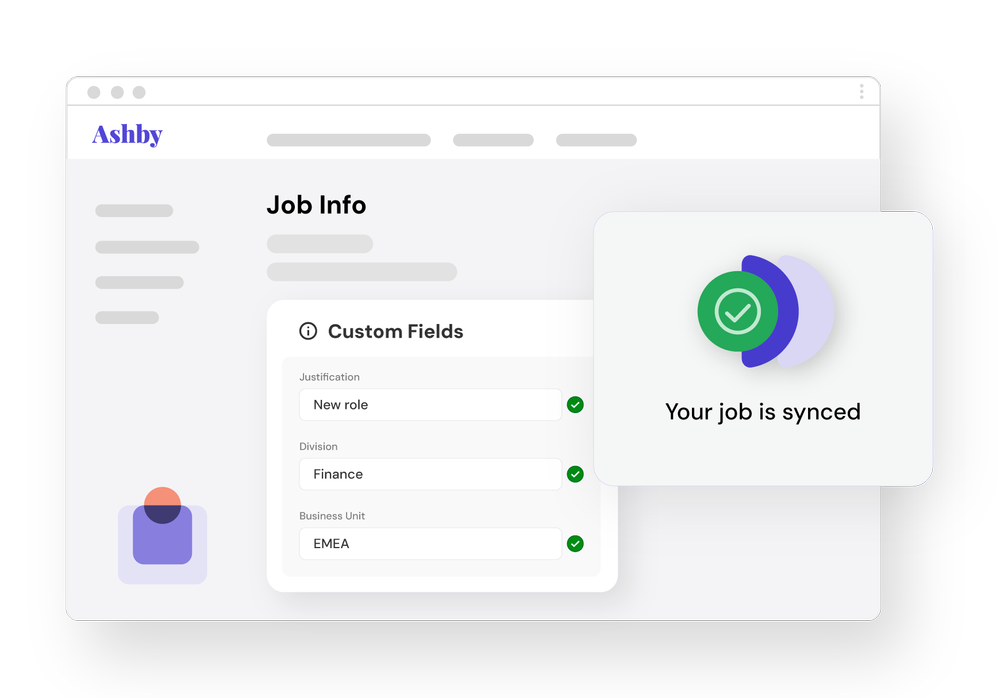
Fields kept in sync
When a role’s title, department, location, target start date, or custom fields change in headcount365, the Ashby job follows. Remove a role from the plan and its opening closes.
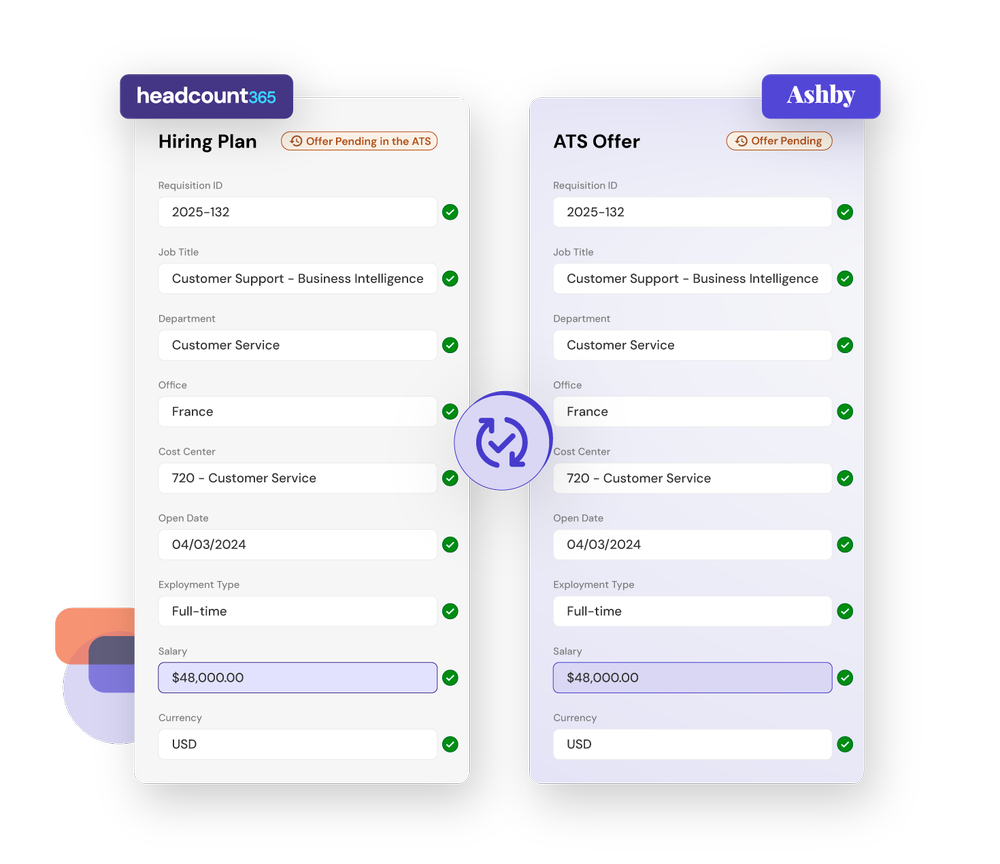
Statuses and offers flow back
As recruiting moves in Ashby, each role’s status updates in headcount365, from unpublished and published to offer pending and offer accepted, along with the offer details.
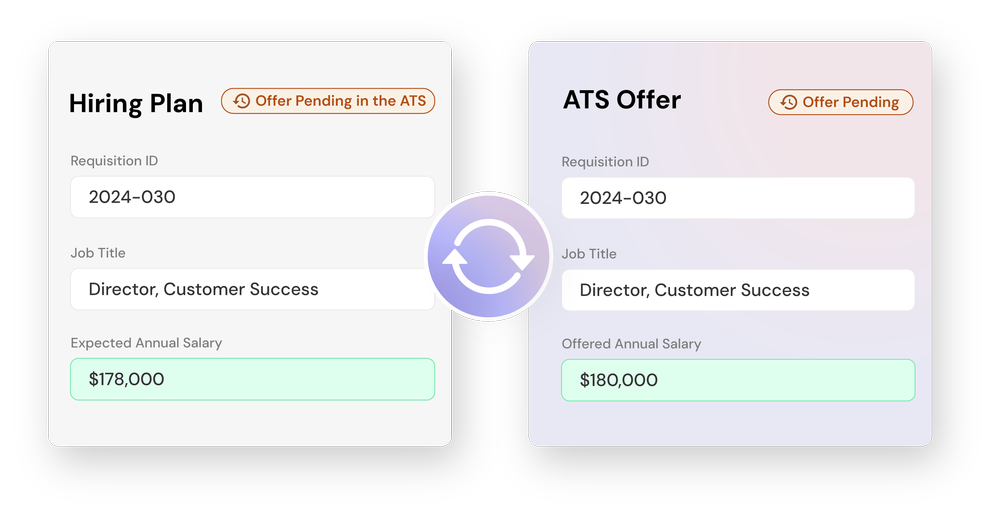
Offers checked against the plan
Offer details from Ashby are compared with the approved plan, and new hires are verified against your HRIS, so any difference in salary or start date is caught early.
Built for how you hire
Jobs and openings, managed your way
Hire several people into one job or keep one opening per job. Each approved role becomes its own opening in Ashby, linked to the right job.
Also built in
Confidential jobs
Confidential roles are created as confidential jobs in Ashby, and the setting stays in sync.
One ID for every role
Each Ashby job and opening carries the role’s unified ID, so it can always be traced back to the plan.
Approved before it’s posted
Roles are pushed from the approval flow, so nothing reaches Ashby without sign-off.
Custom fields, your way
Map the custom fields your team uses in Ashby to the fields on your plan.
How it works
Set up once, synced from then on
Connect Ashby
AdminConnect your Ashby account to headcount365 in Settings.
Map your fields
With our teamWe map your plan’s fields to Ashby jobs, openings, and custom fields during setup.
Approve the role
ApproversRoles go through your approval chain in headcount365.
Push to Ashby
RecruitingCreate the job and opening, or add the role to a job that already exists.
Track to hire
EveryoneStatuses and offers flow back, and the hire is confirmed against your HRIS.
Common questions
What does the headcount365 and Ashby integration do?
It pushes approved roles from your headcount365 hiring plan into Ashby as jobs and openings, keeps them updated as the plan changes, and brings statuses and offers back into headcount365 for hiring managers and Finance.
Can I sync custom fields between headcount365 and Ashby?
Yes. We map the custom fields your team uses in Ashby to the fields on your hiring plan during setup, so they stay aligned.
Does it support multiple openings per job?
Yes. Create a new job and opening, add an opening to an existing job, or link to an opening that’s already in Ashby.
Do confidential roles stay confidential in Ashby?
Yes. Confidential roles are created as confidential jobs in Ashby, and the setting stays in sync if it changes.
How do you keep every role in sync across systems?
Every role carries one unified ID from the plan to the Ashby job and opening to the employee record in your HRIS, so each update can be traced end to end.
See your hiring plan and Ashby in sync
We’ll show you your own approved roles flowing into Ashby and back.