
Unified dataset
One ID for every headcount
headcount365 gives every existing employee, vacant seat, new hire, and backfill one ID across your hiring plan, ATS, HRIS, and FP&A. Every report, tool, and AI agent reads the same record, so the numbers match wherever someone looks.


The problem
Every system tells a different headcount story
Each system gives the same seat a different ID. That is where most headcount tools lose accuracy.
- Finance tracks a budget line in the FP&A tool.
- Recruiting tracks a requisition in the ATS.
- HR tracks an employee in the HRIS.
- Everyone reconciles spreadsheets by hand, and still disagrees on the count.
One headcount. One ID. Every system.
What you get
One dataset for every team and every tool
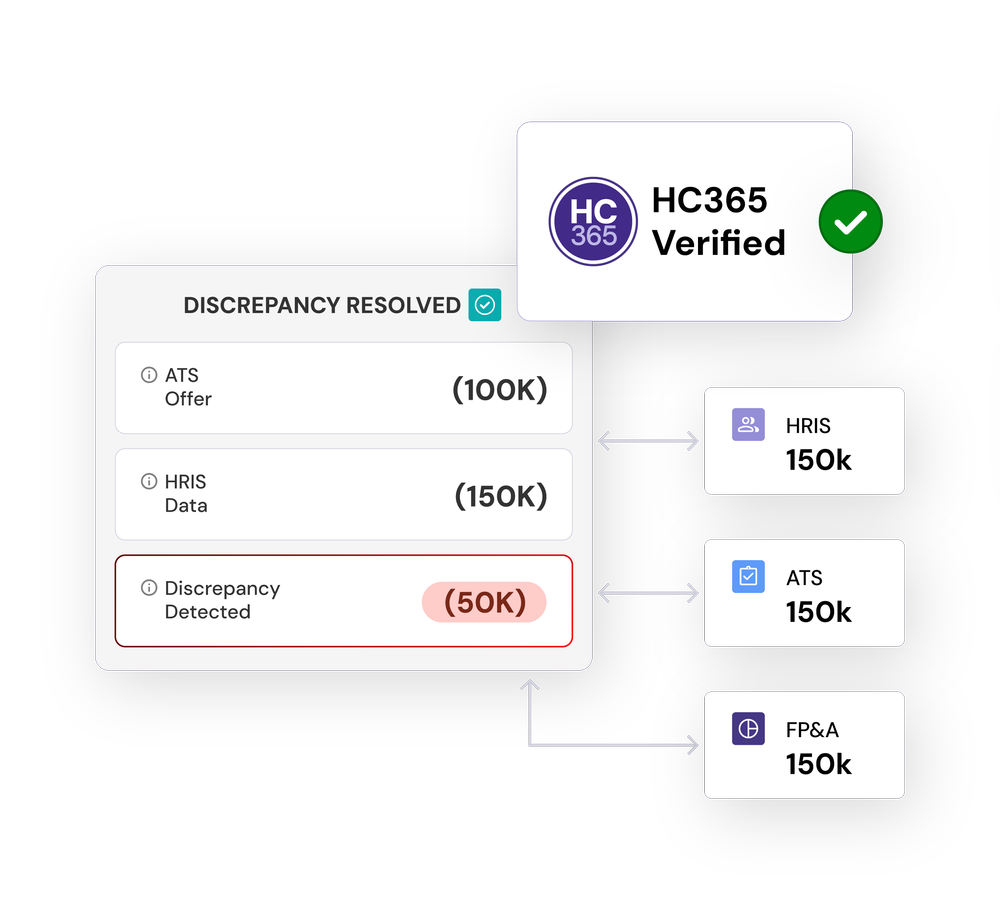
One record per headcount
Each seat is tracked once across every system, so phantom, duplicate, and orphaned positions disappear.
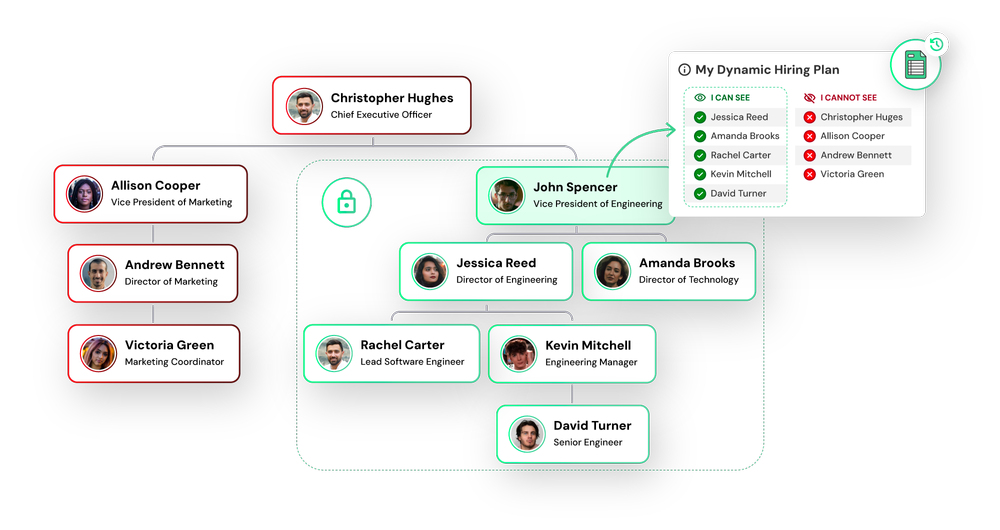
Every type of headcount
Existing employees, vacant seats, new hires, and backfills all live in the same dataset with the same kind of ID.
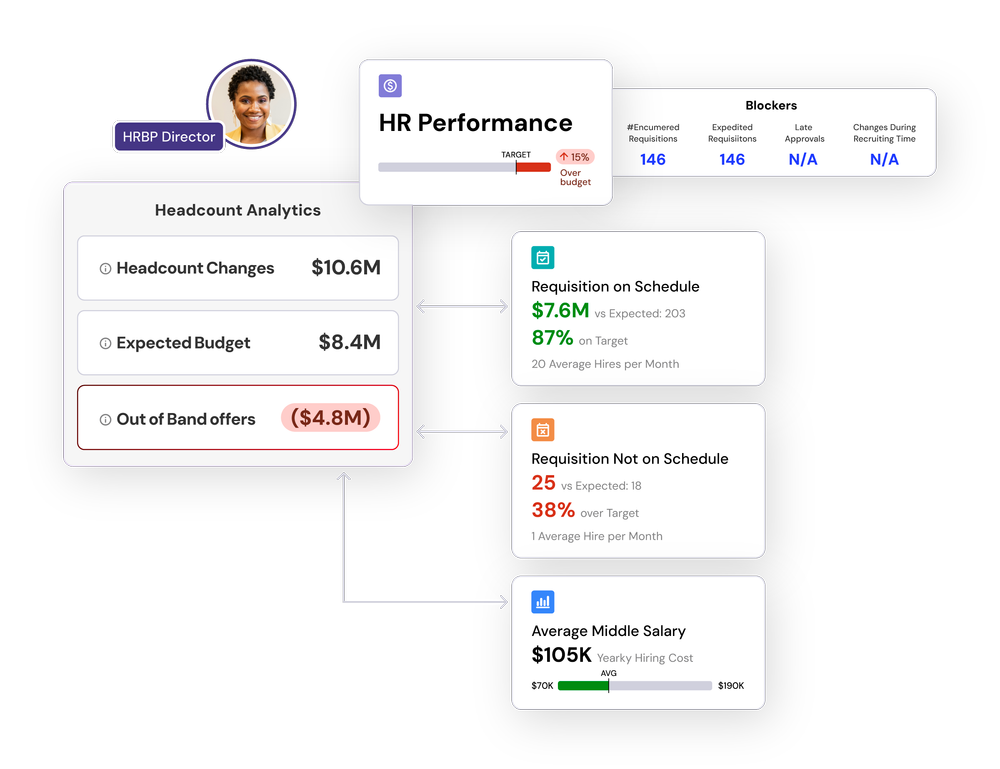
Plan versus actual you can trust
Planned and actual headcount compare cleanly, so variance means a real change, not a data mismatch.
See variance tracking →Also built in
The full history of every seat
From the original request through approvals, hiring, and backfills, every change lives in one activity feed with AI summaries.
One set of permissions
Control who sees each field, including compensation, on one dataset instead of separate spreadsheets.
Security and accessReady for AI
The headcount365 MCP reads the same record under each user's permissions, so AI answers match your reports.
headcount365 MCP
How it stays accurate
Reconciliation keeps one ID true
An automated process, with human review, confirms each headcount is still one ID as it moves through your systems.
Plan
Finance and budget ownersA seat starts on the hiring plan with its budget line and receives its ID.
Requisition
RecruitingOnce approved, the seat becomes a requisition in your ATS and carries the same ID.
Hire
Recruiting and HRAn accepted offer is matched to the new employee record in your HRIS, which stays the source of truth.
Review
Your headcount adminsWhere the plan, ATS, and HRIS disagree, the discrepancy is flagged for a person to confirm before it reaches budgets or reports.
Report
EveryoneReports, dashboards, FP&A forecasts, and AI tools all read the reconciled record.
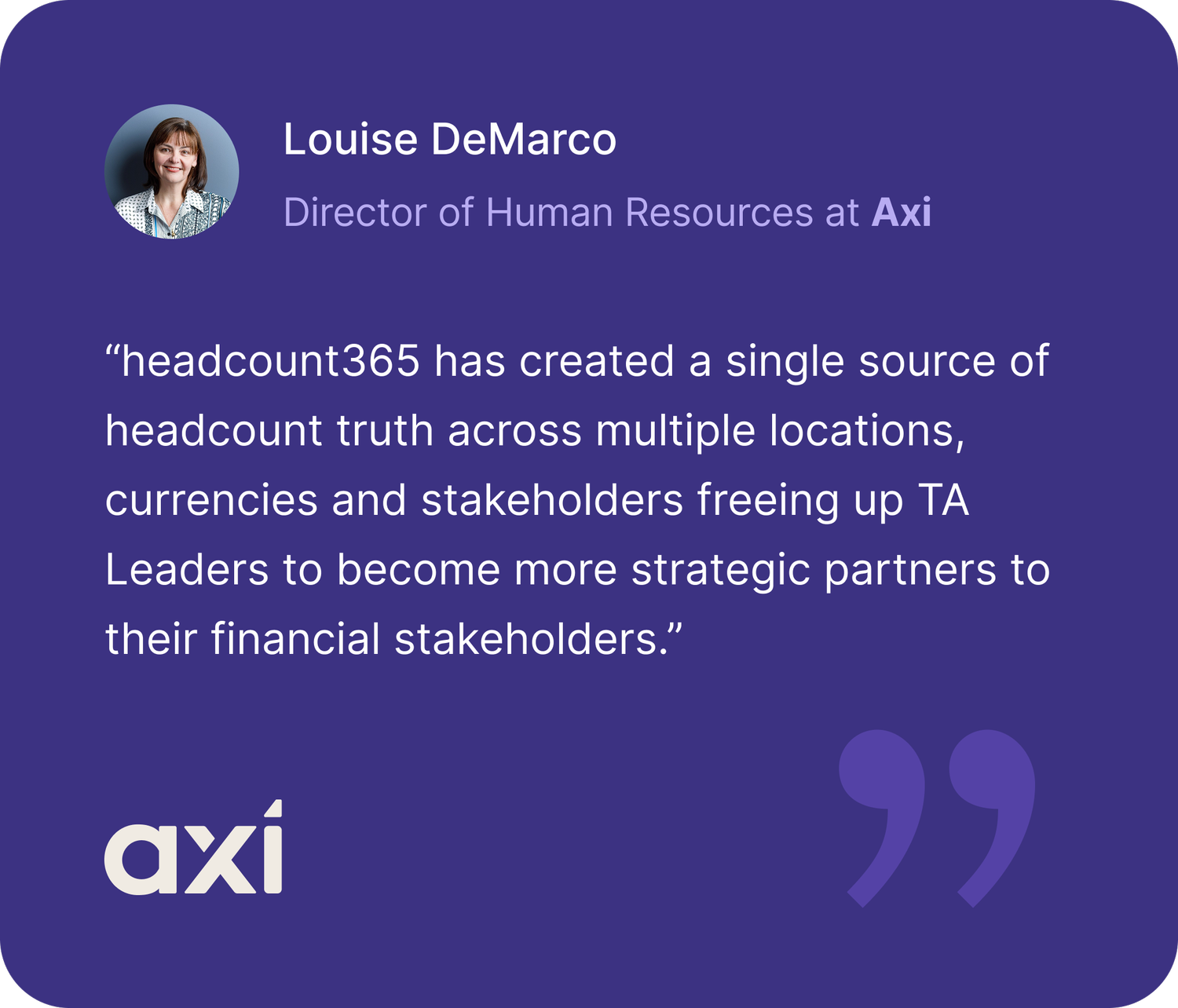
“headcount365 has created a single source of headcount truth across multiple locations, currencies and stakeholders freeing up TA Leaders to become more strategic partners to their financial stakeholders.”

Common questions
What is a unified dataset?
A unified dataset gives every headcount, whether an existing employee, a vacant seat, a new hire, or a backfill, one ID across your hiring plan, ATS, HRIS, and FP&A, so every report and tool reads the same record.
Which headcount get a unified ID?
Every one: existing employees, vacant seats, new hires, and backfills. The ID stays with the position as people are promoted, transfer, or leave.
How does reconciliation keep the dataset accurate?
headcount365 automatically matches records as a headcount moves from the plan to an ATS requisition to an HRIS employee. Discrepancies are flagged for human review before they affect budgets or reporting.
Does the unified dataset replace our HRIS?
No. Your HRIS stays the source of truth for employee data. headcount365 reads from it and never writes to it.
How is this different from a data warehouse?
A warehouse stores copies of data. The unified dataset gives each headcount one ID, keeps it reconciled across your live systems, and applies approvals and permissions. headcount365 can also send the reconciled data to your warehouse, including Snowflake, on a schedule.
See your headcount as one dataset
We’ll show you your plan, ATS, and HRIS reconciled to one ID per headcount.