
Scenario planning
Plan the what if before it happens
Model hiring changes on your live plan, not a spreadsheet copy. Keep approved, proposed, and simulated plans separate, and see the headcount and budget impact before anything goes to approval.


Plan versions
Three versions of the plan, never confused
Every scenario starts from the unified dataset, so it reflects today’s real employees, open roles, and budget.
- Approved plan – the plan of record, built from your live, reconciled data.
- Proposed plan – changes waiting on approval, visible to the people who need to sign off.
- Simulated scenarios – what-ifs you can model freely. They never touch the plan until you adopt them.
Model it on live data. Approve it once. Track it everywhere.
What you can model
Test the decisions leadership keeps asking about
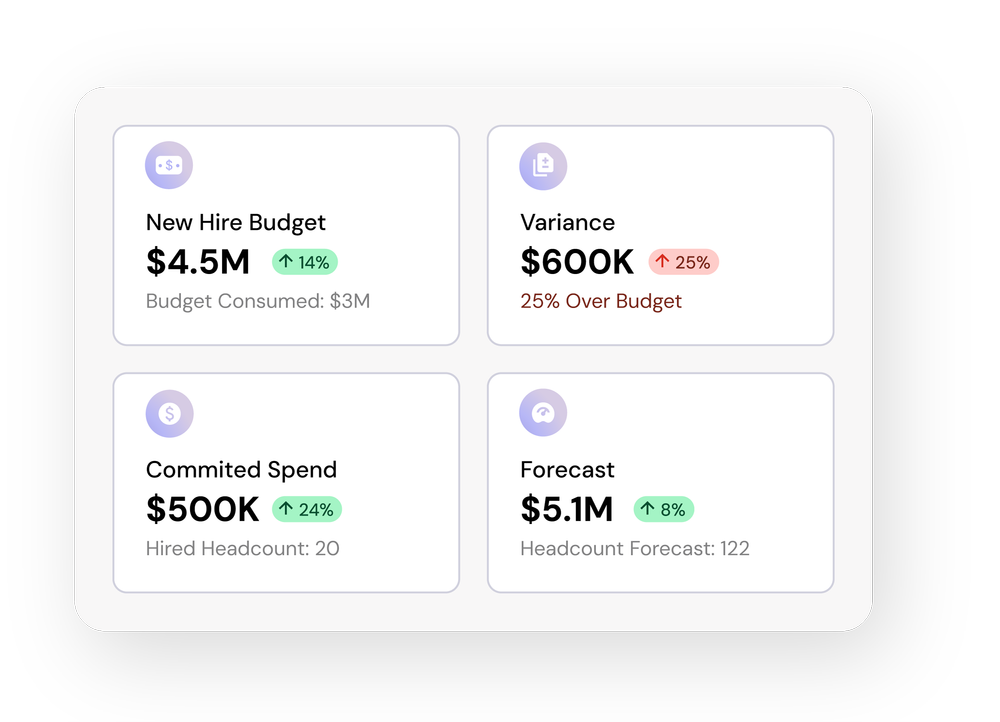
Slowdowns and freezes
See what happens to headcount and spend if new roles pause or start dates move out a quarter.
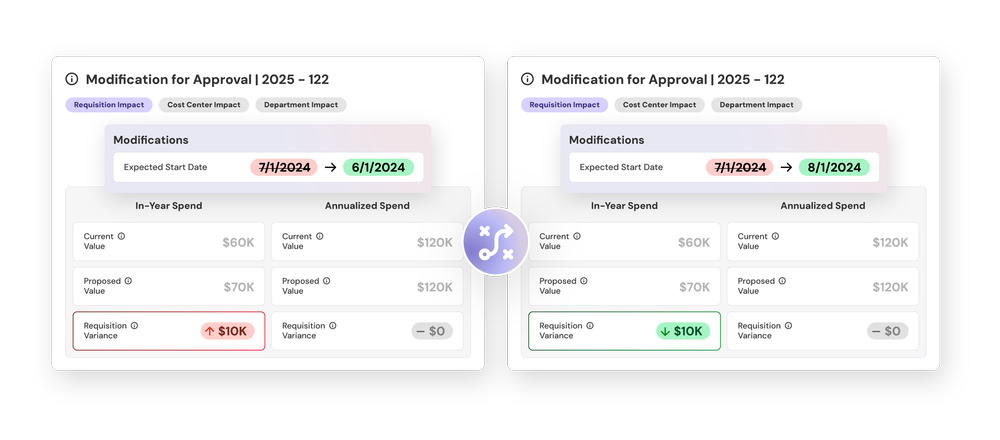
Budget changes
Compare compensation and timing changes against the approved plan before they are committed.
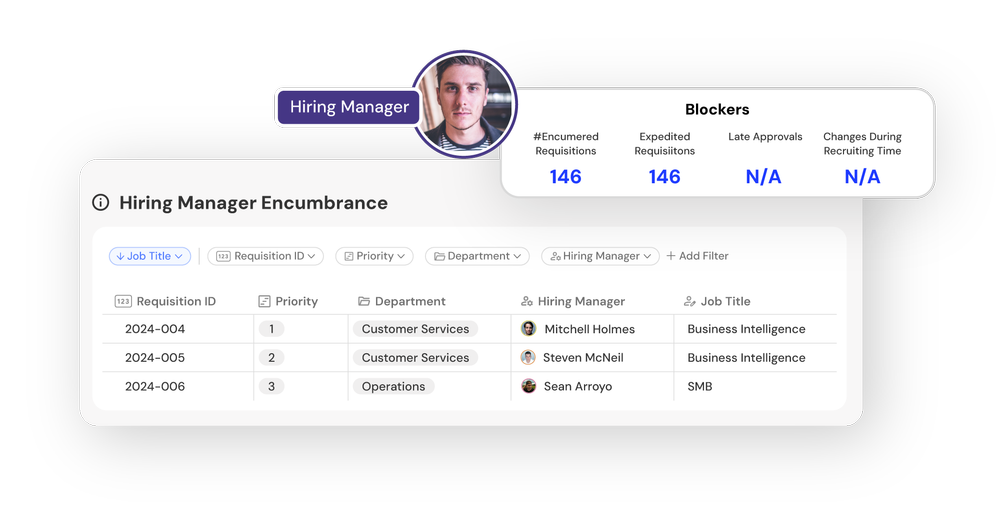
Team-level plans
Hiring managers can model changes for their own teams without access to your FP&A system.
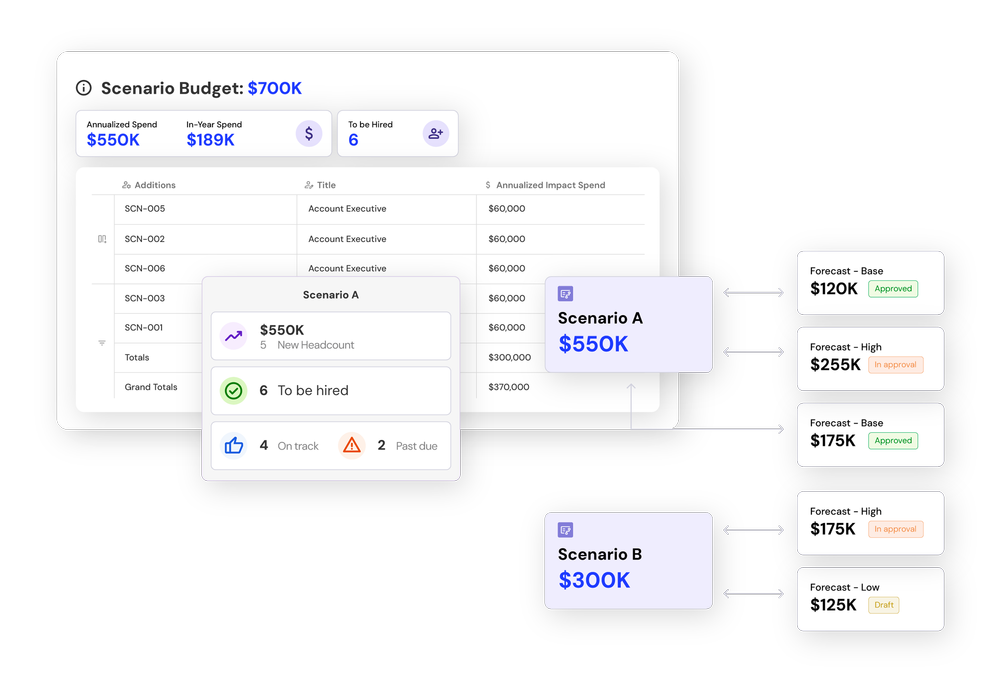
Version control
Approved, proposed, and simulated plans stay separate, so nobody confuses a draft with the plan of record.
Also model
Acceleration
Add roles or pull hires forward and see the budget and recruiting load that comes with them.
Attrition and backfills
Plan for expected departures and decide which seats to backfill before they open.
How it works
From scenario to approved plan
Start from live data
FinanceCreate a scenario from the current plan, built on the unified dataset rather than an export.
Model the change
Finance and hiring managersAdd, pause, or move roles, change start dates, and adjust compensation inside the scenario.
Compare
Finance and leadershipCompare the scenario with the approved plan to see the difference in headcount, timing, and cost.
Approve
ApproversChanges you adopt go through your approval chains before they become part of the plan.
Track
EveryoneOnce approved, the changes flow to recruiting and reporting like any other plan update.

“Headcount365 more than paid for itself—we’ve caught budget overages we never would have seen without it.”


Common questions
What is headcount scenario planning?
Headcount scenario planning models how changes such as new roles, freezes, start-date shifts, or attrition would affect your headcount, timing, and budget before you commit to them.
How is this different from scenario planning in a spreadsheet?
Spreadsheet scenarios start from a copy that goes stale. headcount365 scenarios start from your live, reconciled data and keep approved, proposed, and simulated plans separate.
Can hiring managers create scenarios?
Yes. Hiring managers can model changes for their teams, and Finance can see the budget impact without giving them access to the FP&A system.
What happens when a scenario is approved?
Adopted changes go through your approval chains and then update the plan, recruiting, and reporting like any other change.
Which plans include scenario planning?
Scenario planning is standard on the Core and Enterprise plans and can be turned on for any plan.
Answer the next “what if” in minutes
We’ll model a scenario on your own plan during the demo.